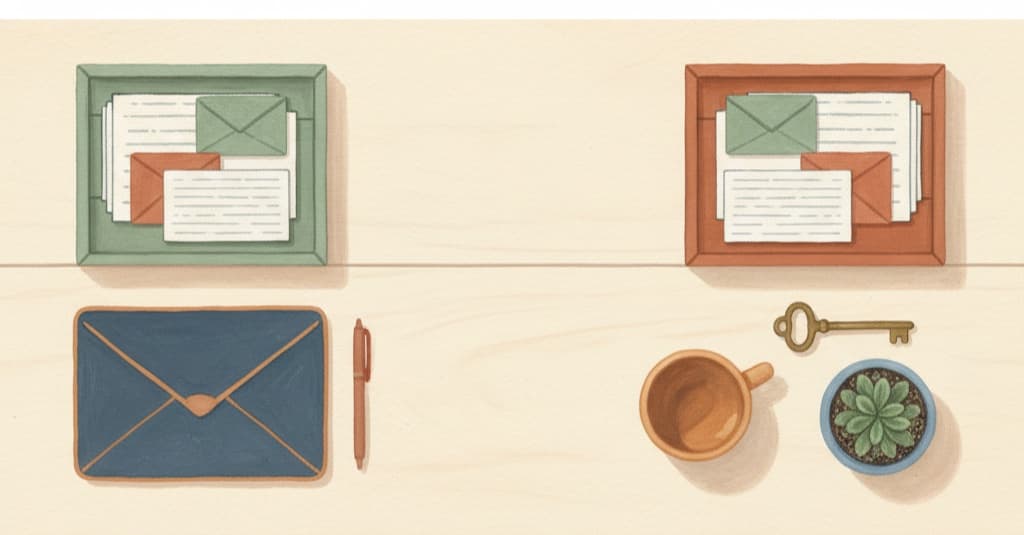
Two Gmails, two lives
June 26, 2026
Almost everyone has two inboxes and one head. The work Gmail holds the proposal that needs an answer today. The personal one holds the doctor's appointment you need to reschedule and the school tuition bill. Neither inbox knows the other exists — and you need both to decide what to do with the next two hours.
So the workarounds start: two browser profiles, one account on the phone and the other on the laptop, an email starred for "later." And when you finally connect an AI to help, you hit the silliest limit of all: it takes one account. So you get to pick which half of your life stays out.
The problem isn't having two accounts. It's not having two contexts — two places where each one makes sense on its own.
1. Create the spaces
In Brainside, you split life into environments. Start with two:
create a Work space and a Personal one
Each space is a closed context: its apps, its memory and its connectors don't mix with the other one's. What you log in Personal doesn't show up while you're working — and the other way around.
2. Connect a Gmail in each one — yes, the same connector twice
Here's the part other tools usually leave out: you can link more than one account of the same kind, each one in its own space, with a label so you know which is which.
- in the Work space: the company Gmail, labeled "Work";
- in the Personal space: your everyday account, labeled "Personal."
Two Gmail connectors living in peace, no switching logins, no signing out of one to get into the other. And the same rule holds for the rest: calendar, drive, whatever you connect.
3. Ask inside the right context
This is where the separation starts paying off. In the Work space:
what do I need to reply to today?
The answer looks only at the company inbox — no store promo, no email from the school in the middle of it. And since the space also holds your work apps, the question can get bigger:
pull together what came in by email with the open proposals and tell me what's urgent
In the Personal space, the same question brings back a different life: the appointment to reschedule, the bill that's due, the gift you promised to buy.
4. Let each space handle its own shift
The routines are per context too, and that's what keeps things from blurring:
- Work, every morning: what came in and what stalled;
- Personal, Sunday night: the due dates and commitments for the week.
You still have two lives — everyone does. The difference is that each one gets its own place, with its own tools connected, and you stop doing the work that belonged to the tool: remembering which account the information was in.
Separating contexts isn't organizing for the sake of organizing: it's what lets you ask "what's urgent?" and get back an answer that makes sense. These spaces take minutes to set up — join the waitlist to set up yours.
Comments
…